










New order
A notification can let you know when a customer places an order.


 New Arrivals
Create your business presence, list your products, manage orders and understand your performance — all from one simple dashboard.
Join business owners already selling on Angoer
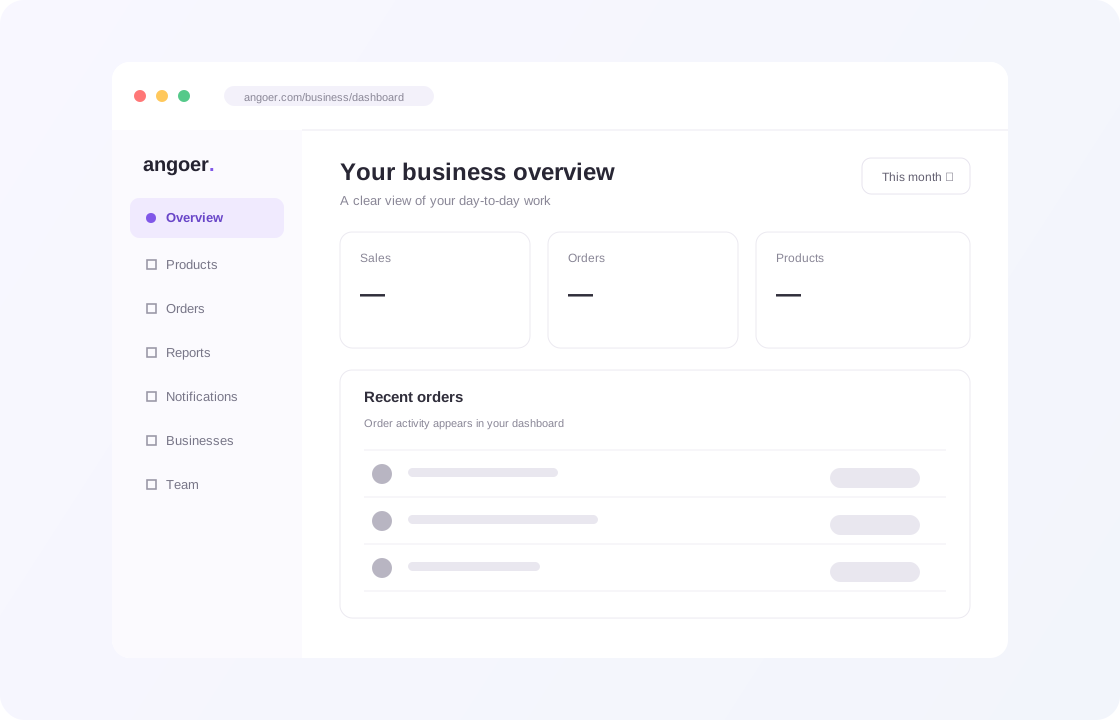
Manage your products, orders, team and storefront from one simple dashboard.
Organize product details, photos, prices, variants and stock.
Review, prepare, ship and track orders from one place.
Use reports to follow product views, sales and trends.
Invite teammates and set access to match their role.
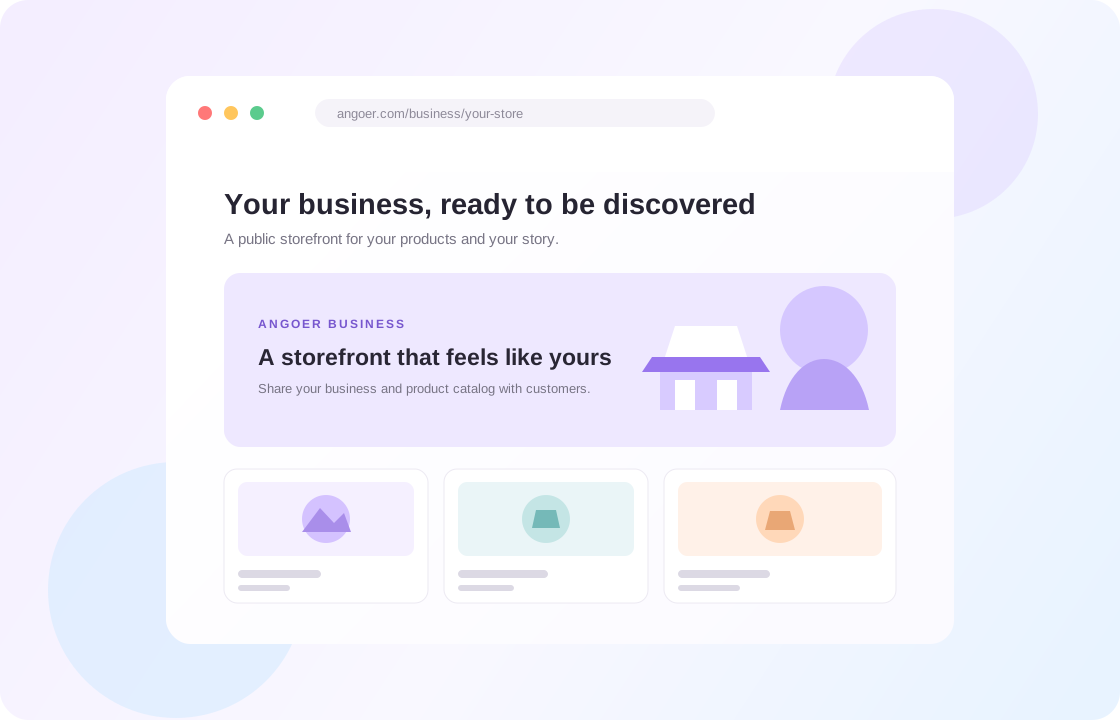
Give customers a public business page with your products and story.
Manage your profile, contact information and business settings.
Three steps from sign-up to your first order.
Add your business details and submit them for review. Once approved, your dashboard is ready.
Add photos, prices, stock and variants. Products are reviewed before they go live.
Share your storefront, manage incoming orders and follow your sales from the dashboard.
A connected workspace for your catalog, customers and day-to-day operations.
Create products with images, variants, categories and tags, and keep stock always accurate.
Confirm, process, ship and deliver orders, and register in-person sales yourself.
Get a public page for your business with your logo, story and products — ready to share.
Review sales, orders and products sold for a selected period.
Invite teammates and assign roles for the work they need to do.
Keep up with order changes, stock alerts, product reviews and team activity.
Manage your catalog, orders, team, reports and business settings from one connected workspace.
Use the reports in your dashboard to review sales, orders, products sold and top products over a selected period.
Monitor your revenue, uncover sales trends, and make smarter business decisions.
Start SellingManage incoming orders, track fulfillment, and keep every sale organized.
Get StartedTrack units sold, measure product performance, and discover opportunities to grow.
Explore FeaturesIdentify your top-performing products and focus on what drives more sales.
Grow Your Business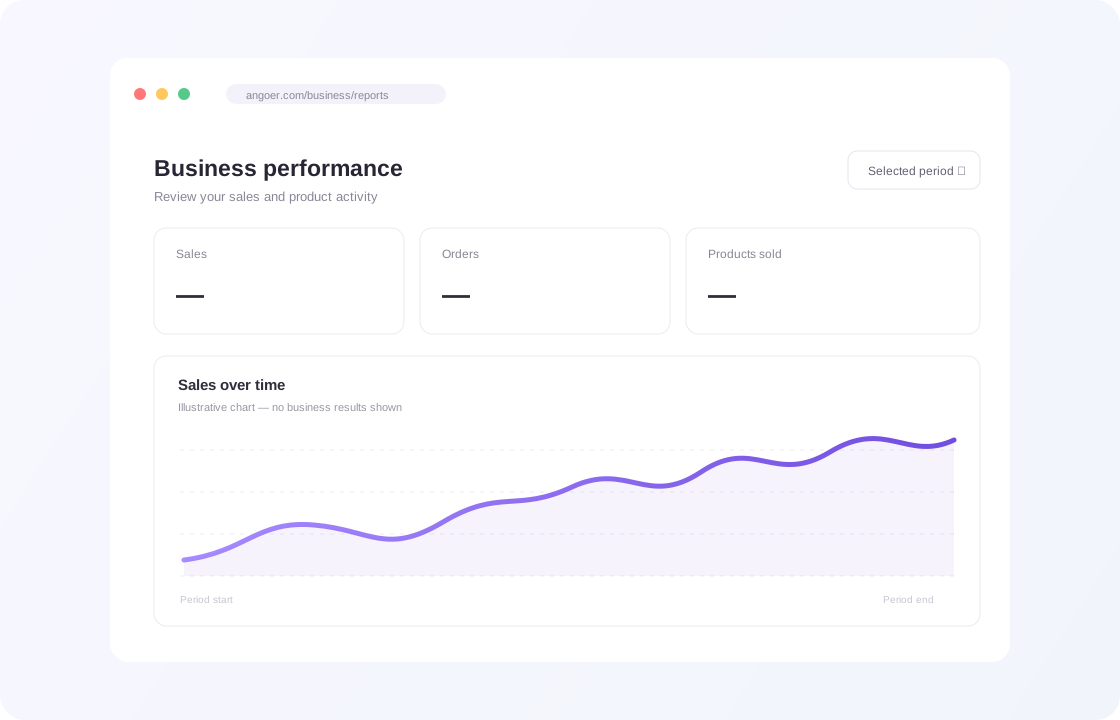
Illustrative preview. No business results are shown.
Every plan includes the dashboard, your storefront and order management.
Business plans are not available right now. Please check back soon.
Get updates about orders, product reviews, stock and team activity.
A notification can let you know when a customer places an order.
Low-stock and out-of-stock alerts help you follow inventory changes.
Stay informed when a product is approved or needs attention.
Examples of notification types supported by Angoer Business.
Everything you need to know about starting and growing your business with Angoer.
Angoer Business is an online selling platform that helps businesses showcase their products and reach customers through the Angoer marketplace. Sellers can manage products, orders, and business operations from one dashboard.
Yes. You can create a business and start listing products on Angoer for free. As your business grows, you can choose a paid plan for higher limits and additional features.
Create an Angoer account, visit Angoer Business, and submit your business information for review. Once approved, you can access your seller dashboard, set up your business profile, and start adding products.
Use the Product Management section in your seller dashboard to add product images, descriptions, prices, and stock information. You can edit and organize your product catalog. Products are reviewed before becoming visible to customers.
When customers place orders for your products, you can view them in your Angoer Business dashboard. Track order statuses, manage fulfillment, and follow each order from confirmation through shipping and delivery.
Yes. Your Angoer seller dashboard provides insights into sales, revenue, orders, and product performance. Monitor your business activity, identify best-selling products, and make informed decisions to grow your online business.
Yes. Angoer Business supports team management, allowing you to invite members and assign roles such as admin, product manager, or viewer. Permissions help control access to your business operations.
Yes. A single Angoer account can be associated with multiple businesses. You can switch between businesses and manage their products, orders, and settings from your seller dashboard.
Angoer offers a free starting option and business plans with different limits and features. You can compare available plans and choose the option that fits your business needs, with the flexibility to upgrade as you grow.
Visit the Angoer Business documentation or contact the support team for assistance with account setup, product listings, order management, and other seller dashboard features.



Get exclusive offers & updates